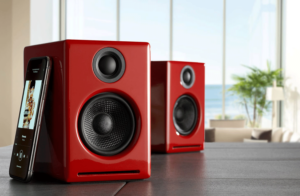


Step 1: Connect the speaker wire from the HD5 left (powered) speaker to the right (passive) speaker.
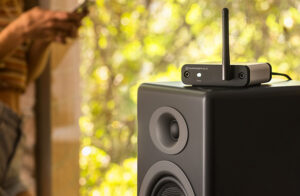
Step 2: Connect the wireless antenna to the HD5 rear panel.
Step 3: Connect the power cable to the HD5 rear panel and plug the other end into an AC power outlet.
Wireless Connection
Step 4: Turn on the HD5 power switch located on the rear panel. HD5 will automatically go into Bluetooth “pair mode” and the Pair button on the HD5 rear panel should start flashing.
Step 5: On your device (phone, tablet, laptop, etc), turn on Bluetooth and go to Bluetooth preferences.
Step 6: Select “Audioengine HD5” to pair and connect. The Pair indicator on the HD5 rear panel should be solid.
Play your music and adjust volume levels on HD5 and your device.
Step 7: To add additional devices put HD5 back into pair mode by disconnecting HD5 from your device or by pressing and holding the Pair button on the HD5 rear panel until the pair indicator starts flashing.
HD5 can wirelessly connect to only one device at a time, however it will remember up to six different devices.
Wired Connection
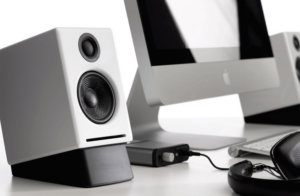
Step 8: Connect one of the included audio cables to your music player (phone, tablet, computer, TV, etc) and the other end to an input on the HD5 rear panel.
Step 9: Play your music and adjust the volume on the speakers and your device to the desired listening levels.