

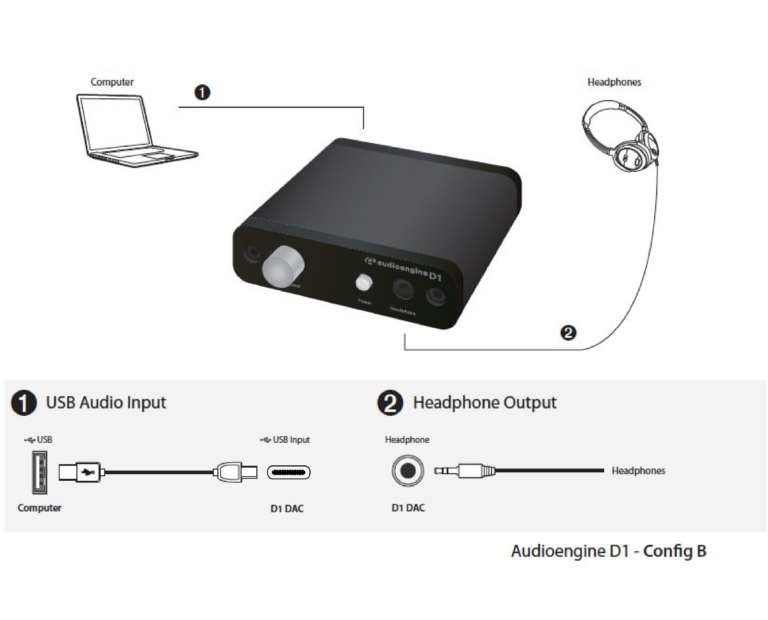
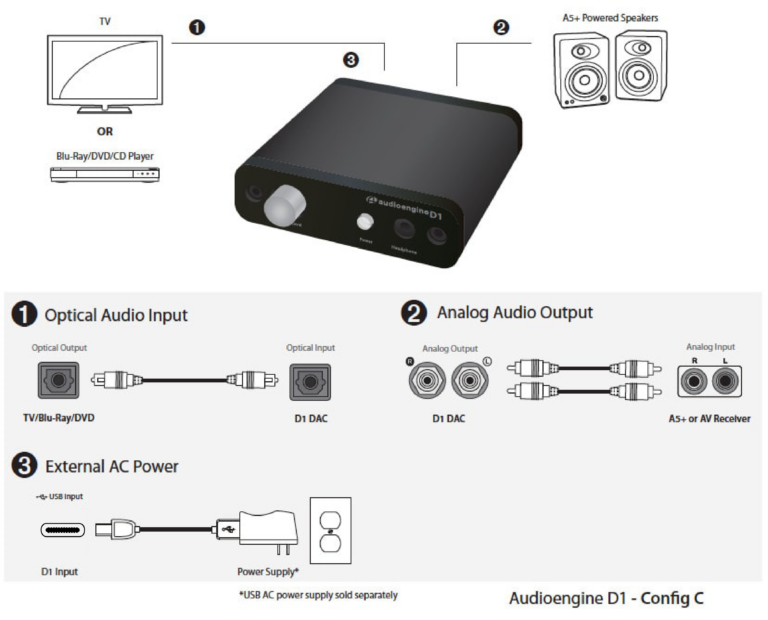
The following diagrams show the most common configurations for D1 Setup.
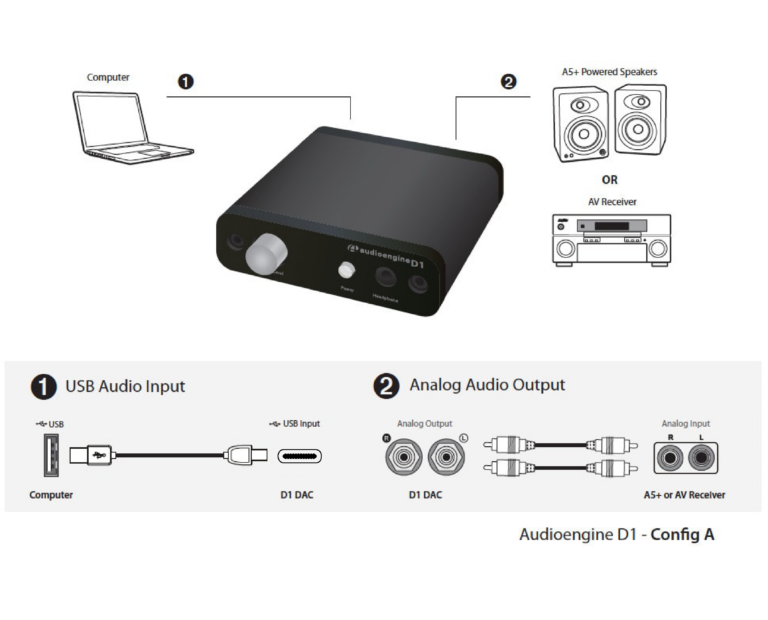
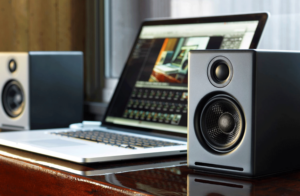
USB from your computer
Step 1 — Connect the D1 to your computer USB port.
For PC, the D1 should be recognized automatically.
For Mac, under System Preferences/Sound, select “Audioengine D1”
Step 2 –- Connect the analog output of your D1 to any audio input of your active speakers, stereo, etc.
Headphones
Optical Source
For the full setup guide, download the attached PDF:
D1 setup guide