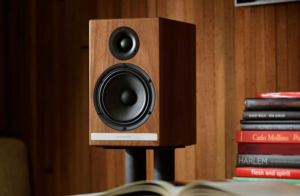
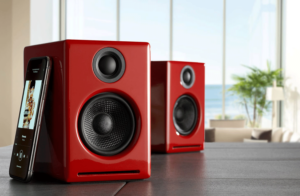
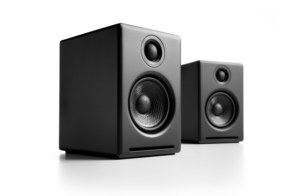
The following diagrams show the most common configurations for connecting your D3 from a computer’ USB port to headphones or any music system.
Step 1: Connect the D3 to your computer’s USB port.
For PC, the D3 should be recognized automatically.
For Mac, under System Preferences/Sound, select “Audioengine D3” as the sound output.
Step 2: Connect the mini-jack output of your D3 to headphones, or any audio input of your powered speakers, stereo system, etc.
Note that the audio cables to connect your D3 to a stereo system are not included with the D3.
Computer to HeadphonesComputer to Powered SpeakersFor the full setup guide, download the attached PDF:
D3 quickstart guide_V02
Audioengine strives to design and maintain this site to be accessible, following the Web Content Accessibility Guidelines 2.1 Level AA. This includes designing, maintaining, and regularly testing, with the assistance of a third-party digital accessibility consultant, the website for continued accessibility. If you have difficulty with this website because of a disability, or have any related feedback, please e-mail accessibility@audioengine.com.
Select the fields to be shown. Others will be hidden. Drag and drop to rearrange the order.

 Computer to Powered Speakers