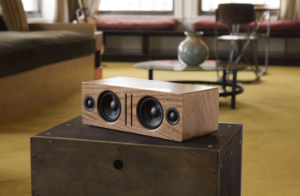
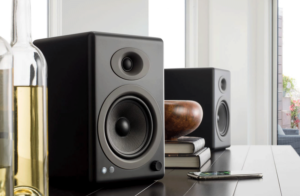
Once you have each B-Fi set up on your Wi-Fi network:
Open the Audioengine control app. Swipe from right to left in the app to the “Device” screen where your B-Fis are listed. Determine which group of B-Fis you want to be your primary, then touch the “+” in the upper right corner. A list of any additional A1-MRs you want to add will appear and you can tap the empty circle to add a check to the bubble, then tap “Done” You can add multiple B-Fis into that primary B-Fi for whole-home playback.
Sign Up


1-855-845-5525
Get help from an expert
(£)
GBP (Default)
- (kn) HRK
- (£) GBP
- ($) USD
(£)
GBP (Default)
- (kn) HRK
- (£) GBP
- ($) USD