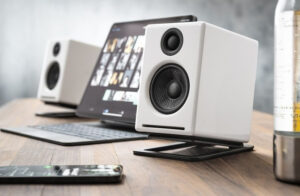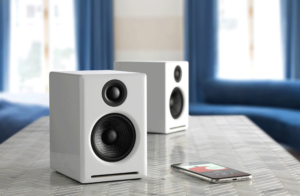
There are several common causes to static popping with desktop speaker setups. While our systems are magnetically shielded, interference and perceived popping/static can still come through. Here are some things to check:
Audio Cables: Ensure your cables are fully inserted into the audio ports as partially inserted cables are susceptible to static and buzzing. Try a different cable if the issues persist.
Wireless Interference: Another common cause is the proximity to devices like cell phones, wifi routers, halogen lamps, ect whose interference could cause a crackling sound. Try moving the system away from these devices to see if it clears up.
*If you’re home music system is near a router/modem and you’re unable to move the speakers, you can also try upgrading your ethernet cable to Cat 8 as it has significantly improved shielding from EMI*
Dirty Volume Pots: If this occurs when adjusting the volume, the crackling/popping could be the result of a dirty volume pot! To clean it, Try this – unplug the power cord and interconnects from your active speaker or N22 and turn the volume knob quickly from 0% to 100% 20-30 times. After that, plug it back in and give it a listen. If this shows any noticeable improvement, it can be repeated and should restore the set back to normal after a few cycles. If the issue persists, please let us know and we will be happy to help you out!
Sign Up

Message our team
Get help from an expert
(£)
GBP (Default)
- (kn) HRK
- (£) GBP
- ($) USD
(£)
GBP (Default)
- (kn) HRK
- (£) GBP
- ($) USD